 Memento
Sources & trust
An AI-maintained library is only useful if you can check its work. Memento's rules for knowledge are strict, visible, and permanent.
Every capture is preserved
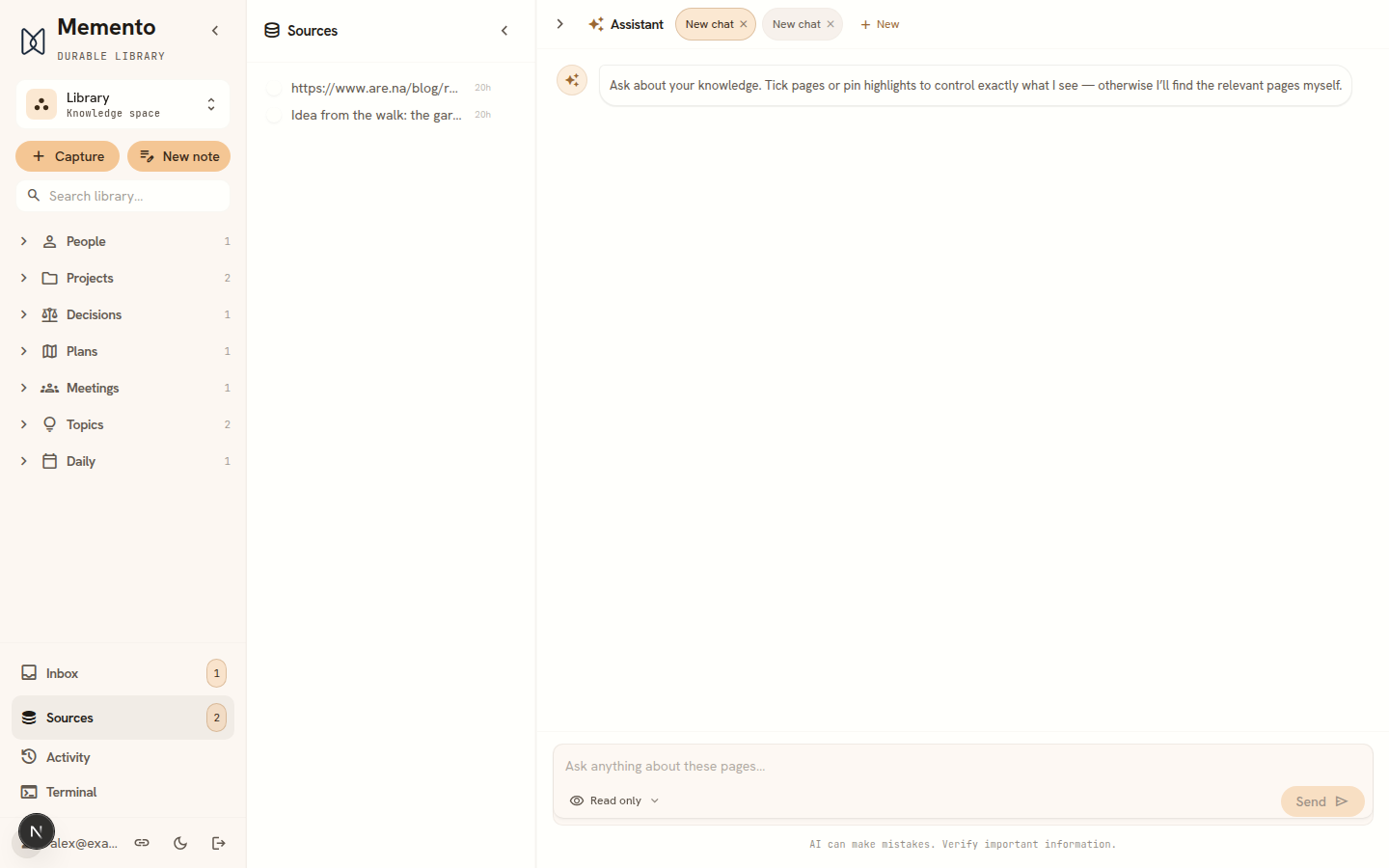
Whatever you capture — the PDF, the web page, the note — is kept unchanged as a read-only source. The agent never edits sources; they're the evidence, not the wiki. To browse them, open Library in the sidebar and flip the Pages / Sources switch above your categories to Sources; download the original artefact from any source page. A citation in a page or an answer opens its source directly.
Facts cite their receipts
When the agent writes something into your wiki, it records which source it came from. A page is never just “what the AI thinks” — it's claims with citations you can follow back.
Knowledge has a status
Every page carries a knowledge_status property — the trust label shown next to its title. It is one of four values, and it is a different thing from the page’s own status (active, archived, superseded), which tracks where the page is in its life rather than how much you should believe it.
- Confirmed — you said it, or it comes straight from a source.
- Inferred — the agent deduced it. Marked as such, and never silently upgraded to confirmed.
- Disputed — sources disagree. Flagged rather than resolved by coin-flip.
- Outdated — superseded, kept visibly struck-through instead of deleted.
Confirmed facts are never silently deleted or overwritten — changing them is a reviewable event in the activity log.
Version-controlled underneath
Your library lives in a real version-control repository (Git) with your own isolated credentials. Every change — yours or the agent's — is a commit. That's what makes undo trustworthy and history durable.
A shell into your sandbox
If “a real Git repo” is the kind of sentence you want to check rather than take on trust, Terminal, in the menu behind your name at the bottom of the sidebar, opens one. It is a genuine shell in your own agent sandbox — the same disposable machine the agent works in — starting in a clone of the current space’s vault. git log, grep, and ls all do what you expect on your own Markdown.
It is a real capability with real edges, so it is worth knowing what it is:
- It is a workspace, not storage. The vault clone is the agent’s working copy and is reset to the current
maineach time a session opens, so a file you edit in the shell and leave uncommitted is gone at the next open. Commit and push, and it is a change like any other. - Your coding agent is already signed in. Whichever agents you’ve connected —
claude,codexandopencode— run authenticated in the shell on your own credential. Handy for installing and testing an MCP server before enabling it under Settings → Connections. - The network rules still apply. The shell’s traffic goes through the same egress gate as an agent run, so an
npm installreaching a host you haven’t allowed is blocked and shows up as a request you can approve under Settings → Network. Approve it, run the command again. - The session is not durable. Closing the panel ends it; the sandbox is reaped when it goes idle. Nothing you leave in
$HOMEis a backup.
You never need it — everything it exposes is reachable through export and the app. It is there so that “your data is plain files in Git” is something you can verify rather than a promise on a marketing page.
Yours, in the open
- Export everything: plain Markdown pages, your original source files, and the full history. Readable with no Memento software at all.
- Your own AI credential: encrypted at rest, decrypted only inside your private sandbox, deleted when you disconnect it.
- No quiet networking: agent sandboxes reach nothing beyond a small baseline (model provider, repository, package registries) until you approve it — and you can see and change every rule.