 Memento
Library & editor
The library is a wiki the agent keeps tidy for you: typed pages, linked together, grouped into categories you control.
Finding things
Click Library in the sidebar to browse. Your categories open up beneath it while you are in the library, and fold away again when you go to Home, the Planner or Routines; while you browse, the arrow next to Library shows or hides them. A long library scrolls inside its own area, so the rest of the sidebar stays in reach.
- Categories — People, Projects, Decisions, Plans, Meetings, Topics, Daily by default. Add or rename them under Settings → Categories; the agent files into whatever taxonomy you define and can propose new categories when yours don't fit.
- Pages / Sources — the switch above the categories flips between your pages and the original sources they were written from. See Sources & trust.
- Search — the Search box near the top of the sidebar filters your whole library as you type, opening the categories to show what matches.
- Favourites — star a page to pin it. Starred pages in the current space are listed under Favourites in the sidebar (up to five, with Show all for the rest); recency stamps show what moved lately.
Editing
Every page is a document, not a database record. Click Edit and type — changes autosave as you go. Headings, lists, tables, and links all work the way you'd expect. To link one of your own pages, type [[ and pick it from the list that appears (or choose Link to page from the / menu) — the same connections the agent makes, now at your fingertips.
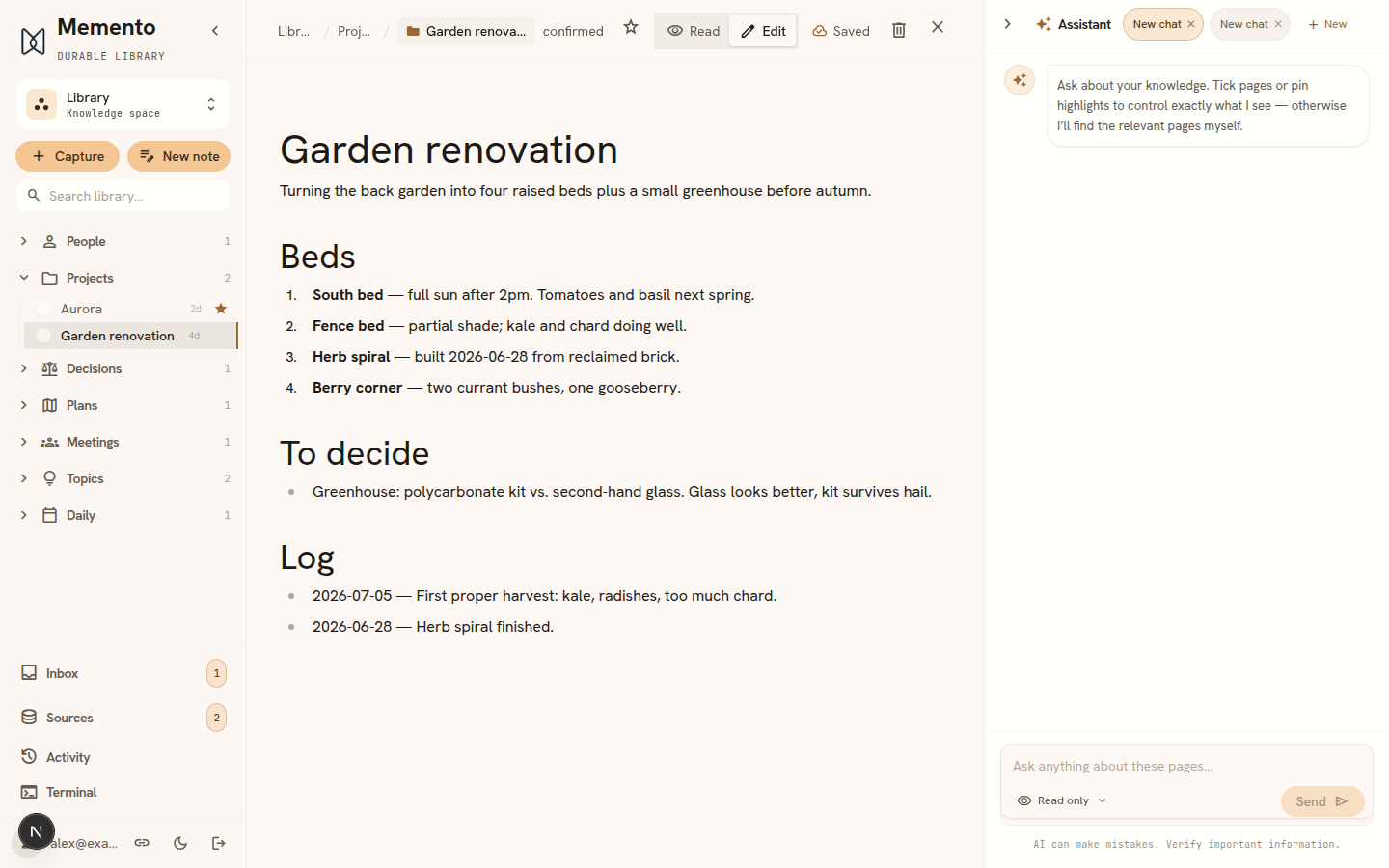
The same / menu has Calculation under Advanced, for pages where the numbers should work themselves out rather than be typed in — see Numbers & calculations.
You and the agent share the same pages, live. If it's working on a page you have open, your library marks the page as held; if you both edited, non-overlapping changes merge silently and true conflicts are surfaced for you to resolve — your edit always wins by default.
Page properties
Every page carries a few properties — its type, title, status, and some bookkeeping dates. Expand Properties at the top of any open page to see them. Fields with a fixed set of values are dropdowns: type offers your own categories (the same ones you manage under Settings → Categories), and fields like status pick from the wiki schema. Free-text values save when you leave the field; add your own properties with the row at the bottom. Only the id is fixed — links and filing depend on it.
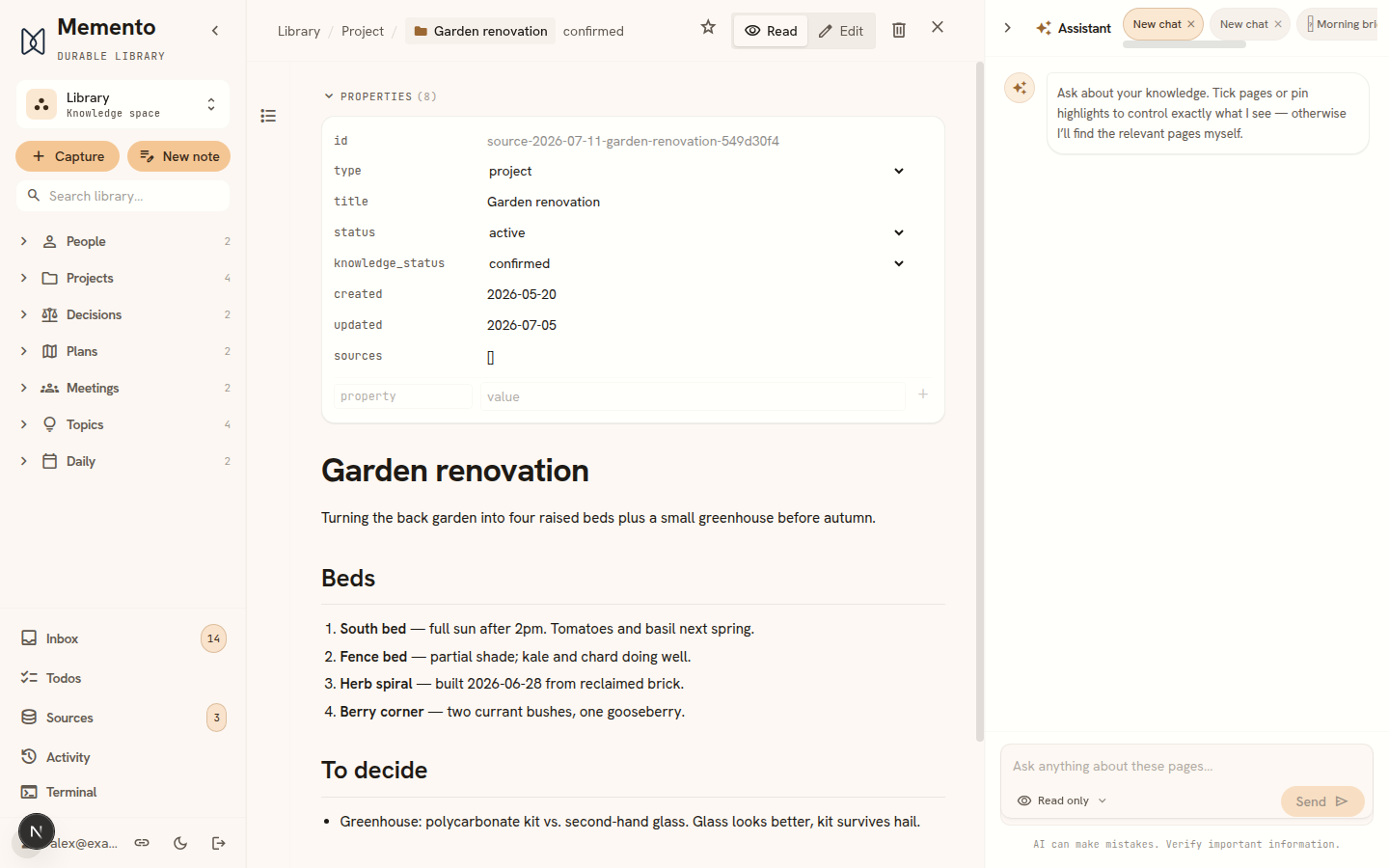
These aren’t cosmetic: type decides which category the page lives under, status is where the page is in its life (active, archived, superseded), and the separate knowledge_status is the trust label shown next to the title — see Sources & trust. Underneath they’re the document’s front matter, plain text like everything else, so whatever you set here travels with the page.
Inline AI editing
Select any text and give an instruction — “make this concise”, “fix the grammar”, “translate to Danish”. The rewrite streams in as a diff you accept or reject. It runs on your own agent, like everything else.
Deleting is reversible
Deleting a page archives it; restore it any time from Settings → Archive. Permanent deletion is a separate, explicit step on archived pages. Underneath, your library is version-controlled, so history survives even permanent deletes — see Sources & trust.