 Memento
On your phone
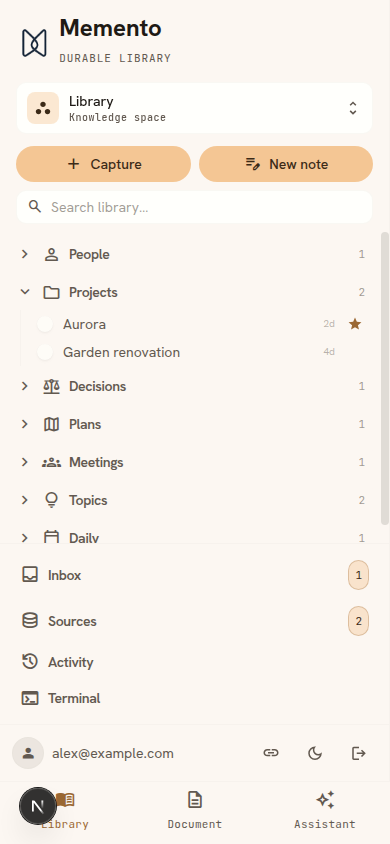
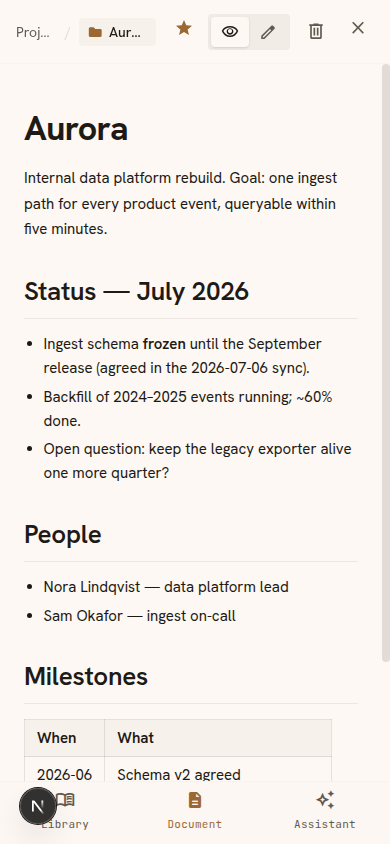
Memento is an installable web app: full library, capture, and assistant on your phone, plus share-sheet capture so saving something takes two taps.
Install it
- iPhone / iPad — open Memento in Safari → Share → Add to Home Screen.
- Android — Memento offers an Install button when Chrome supports it; otherwise use the ⋮ menu → Install app.
- Desktop — Chrome and Edge show an install icon in the address bar.
Turned the offer down and changed your mind? It's always available in the app under Settings → Quick capture.
Capture from the share sheet
Reading something worth keeping? Share it to Memento instead of copy-pasting:
- Android — once installed, Memento appears directly in the system share sheet.
- iOS — add the Memento Shortcut once (Settings → Quick capture in the app walks you through it); after that, Memento shows up when you share a page or selection.
Shared links open a pre-filled capture that submits itself — you're back in your reading in about a second. If you keep more than one space, it asks which space the page belongs in first (one tap), so nothing lands in the wrong place.
That same screen is where you pick what happens to the page. Tapping a space reads it and writes it into your pages — thorough, and it takes a few minutes. Tapping that row’s Reference button shelves it instead: no rewriting, searchable and answerable within seconds, and you can still file it properly later from your inbox.
Offline
- Pages you've visited stay readable with no connection; an offline banner tells you when you're reading from cache.
- Captures made offline queue on the device and sync automatically when you're back online.